3D Print Calculator Web / Getting started
How-to guideSet electricity, labor and failure rates
Version 1.3 · Updated · View changes
Use your own shop costs before relying on a quote.
Screenshots use sample data. Your prices, license level and settings may differ.
Before you begin
- Have your electricity price and labor/design rates available. Open Preferences from the account menu.
Procedure
- Open the account menu and choose Preferences.
- Set electricity cost, labor and design rates, and time for hands-on pauses in the costs and rates controls.
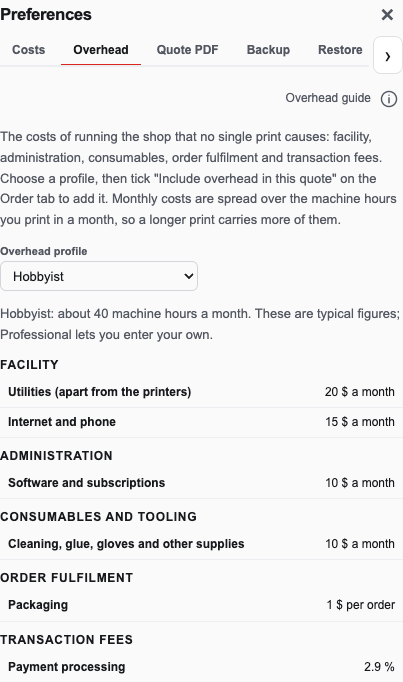
In Preferences → Costs, enter your electricity rate, labor rate and failure allowance. Open full size - Set your print failure rate and nozzle-wear assumptions.
- Check these whenever your materials or process change.
- Return to Order and review the recalculated estimate. A target margin depends on the costs you enter being realistic.
Check your result
Reopen Preferences to check the entered rates, then review the updated order estimate.
If you need more help
If you cannot complete these steps or the result differs from the check above, create a support ticket with the steps tried and any message shown.
Change log (4 entries)
- Version 1.3
Tightened image frames and spacing while retaining full-size enlargement.
- Version 1.2
Separated procedures into individual numbered actions and kept screenshots beside the relevant steps.
- Version 1.1
Expanded the article layout to use the full available page width.
- Version 1.0
Started change tracking for the current article. This version includes structured guidance, topic tags, app screenshots.
Did this article solve your problem?
Loading feedback…