What you can do
Everything the calculator does, level by level
Every level prices a quote from your own costs. Each step up adds more of what a busy print shop needs.

Every level
Price from your own costs

Filament, electricity, machine wear, labor, failed prints and one-time model costs, all added up and turned into a price at your target profit margin. Round the price to a whole dollar, and charge a share of what you paid for a model. Hand customers a clean quote PDF; your costs stay private.
Basic
Up to 4 filaments on Basic, 6 on Plus, 8 from Professional
Price prints that use several filaments, up to 4 on Basic, 6 on Plus and 8 from Professional, each with its own material, color and spool cost.
Free and up
Keep your quotes
Save a priced order as a quote and the price stays as it was, even if your costs change. Free keeps 5, Basic keeps 25 with numbers and auto-save, Plus keeps 50, and Professional keeps 75.
Put two quotes for the same thing side by side. Every field shows the difference, green for up and red for down, and you can export it as CSV.
Plus
Read a sliced 3MF or an STL

Drop in a sliced Bambu Studio or OrcaSlicer file. Print time and filaments fill in, and each filament is matched to yours by maker, material and color. An STL gives a rough filament weight before you slice.
Plus
3D viewer and several files per order
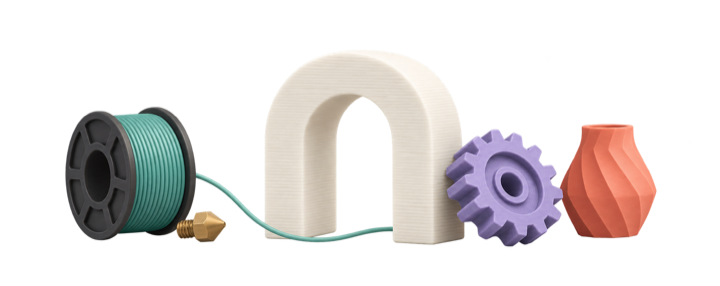
Attach the 3MF, STL, OBJ or CAD files for a quote and turn the model in a 3D viewer. Plus keeps 50 saved quotes.
Plus
More than one printer
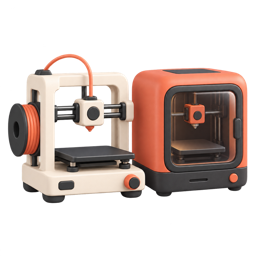
Keep up to 2 printers on Plus, and up to 8 from Professional, each with its own price, power and nozzle, and pick one for each quote.
Professional
Compare printers and filaments
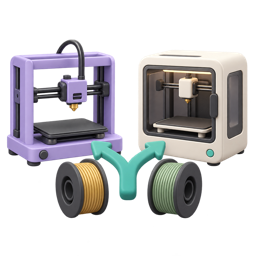
See the same order priced on each of your printers, and what you would gain or lose by switching to a different filament.
Professional
ROI charts and reports

See when each printer pays for itself, with PDF and CSV exports of the reports.
Professional
Your spool inventory
Bring in a Spoolman or FilaMan export file as your filament list, and edit a group of filaments at once: change their maker, material or spool cost, or delete them together.
Professional
Quantity price brackets

Charge a lower margin on bigger orders, automatically. Set up to 20 brackets; from each quantity up, its margin replaces your target margin.
Professional
Unlimited filaments, printers and users
Keep as many filaments and printers as you need, add named users who share your quotes and costs, and pull your spool inventory straight from your own Spoolman or FilaMan server.